License Activation
License Activation
This guide explains how to activate your software license online using CodeMeter.
For Headless Ubuntu Systems
If your Ubuntu server has a graphical interface and browser, you can skip directly to the Activate License section below. The setup instructions are only needed for headless systems accessed via SSH from a Mac.
Prerequisites
- Internet access
- Administrative privileges on Ubuntu Server
- Your software license key
- Mac with XQuartz installed (only for headless Ubuntu systems)
For Headless Systems (Optional)
Note
Skip this entire section if your Ubuntu system already has a browser installed. This section guides you through setting up X11 forwarding to run a browser on Ubuntu and display it on your Mac.
Step 1: Install Chromium on Ubuntu
Run the following commands to install Chromium:
Step 2: Configure XQuartz on Mac
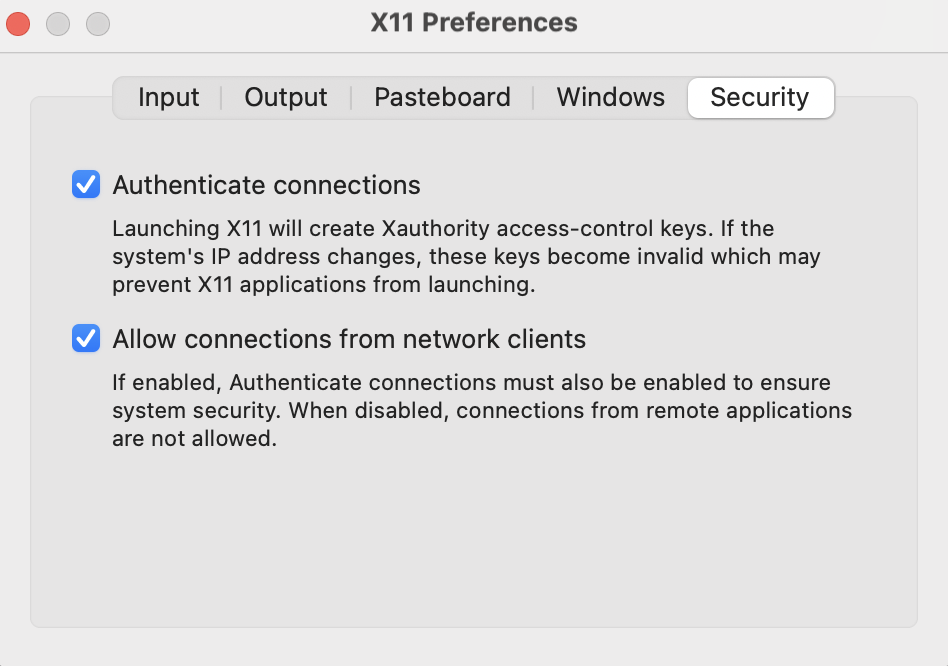
1. Enable network connections
- Open XQuartz → Settings... → Security
- Check "Allow connections from network clients"
- Close Settings
2. Set DISPLAY variable
3. Enable local X connection
4. Connect to Ubuntu with X11 forwarding
-Y= trusted X11 forwarding-C= optional compression
Step 3: Launch Browser on Ubuntu
1. Verify DISPLAY is set
You should see something like localhost:10.0
2. Test XQuartz connection
A small clock should appear on your Mac, confirming X11 forwarding works.

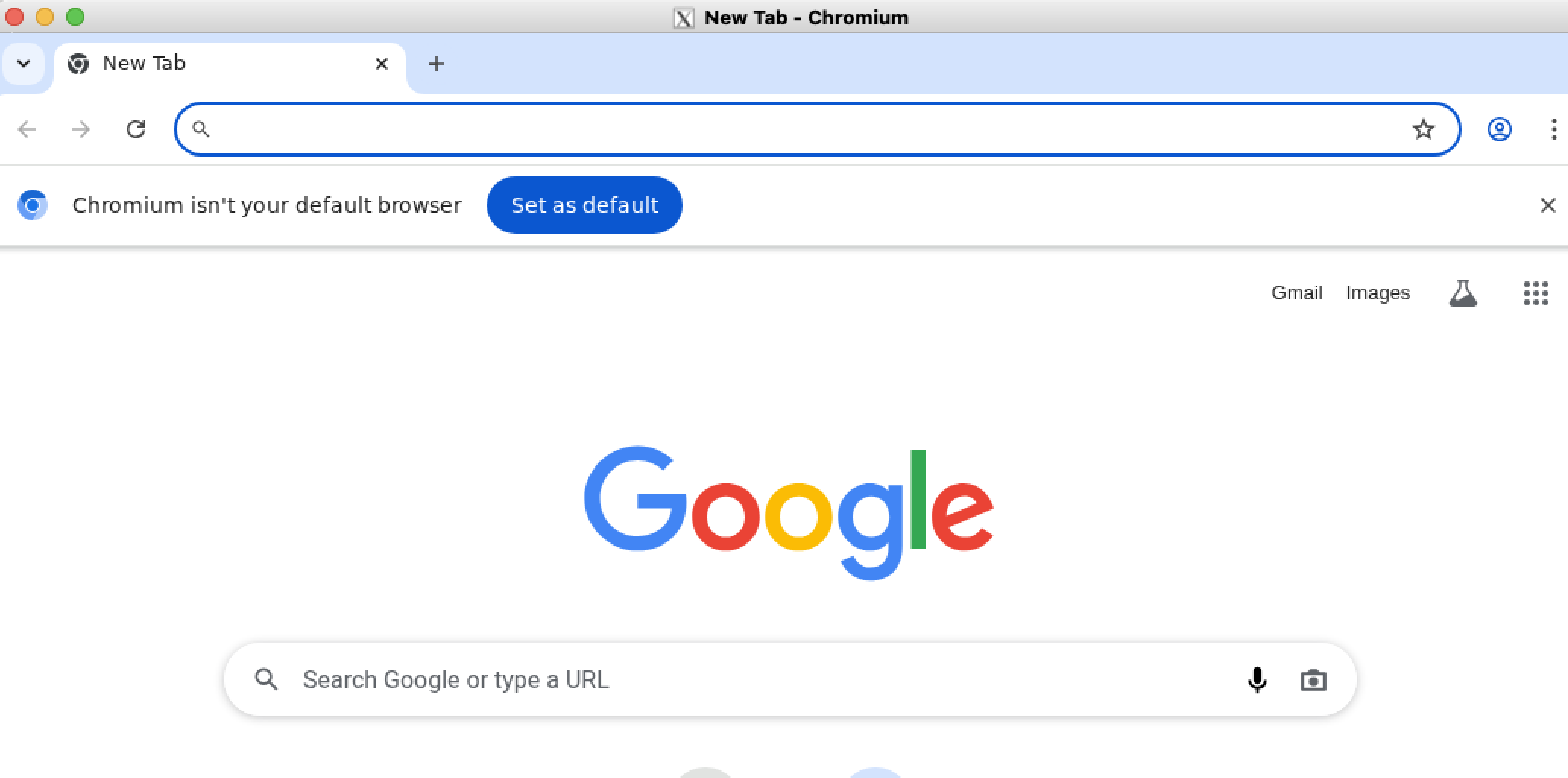
3. Launch Chromium
The browser window should appear on your Mac.
Activate License
- Open a browser on your target machine where the SDK is installed
- Navigate to your license activation page:
Replace <LICENSE> with your actual license key (e.g., ABC123-DEF456-GHI789).
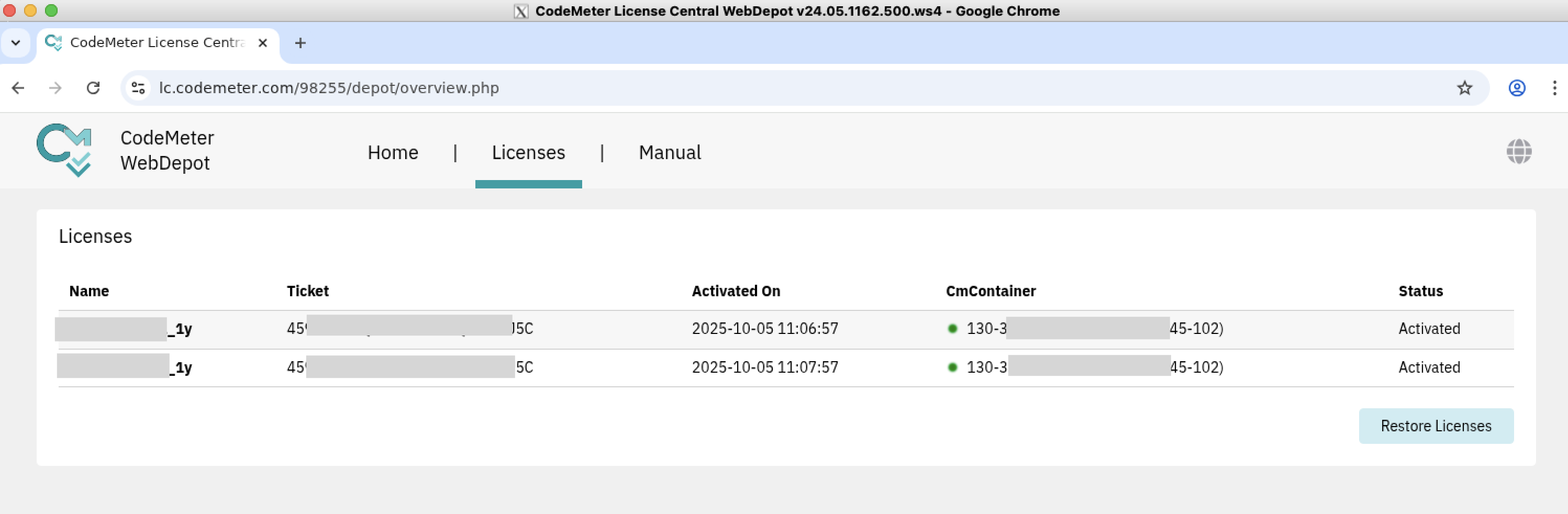
- Click on the Manual tab and follow the instructions to register your license
- Once registration is complete, the license status will change to ’Activated’
← Previous: Software Installation
Next: SDK Installation →